← Back to Arclist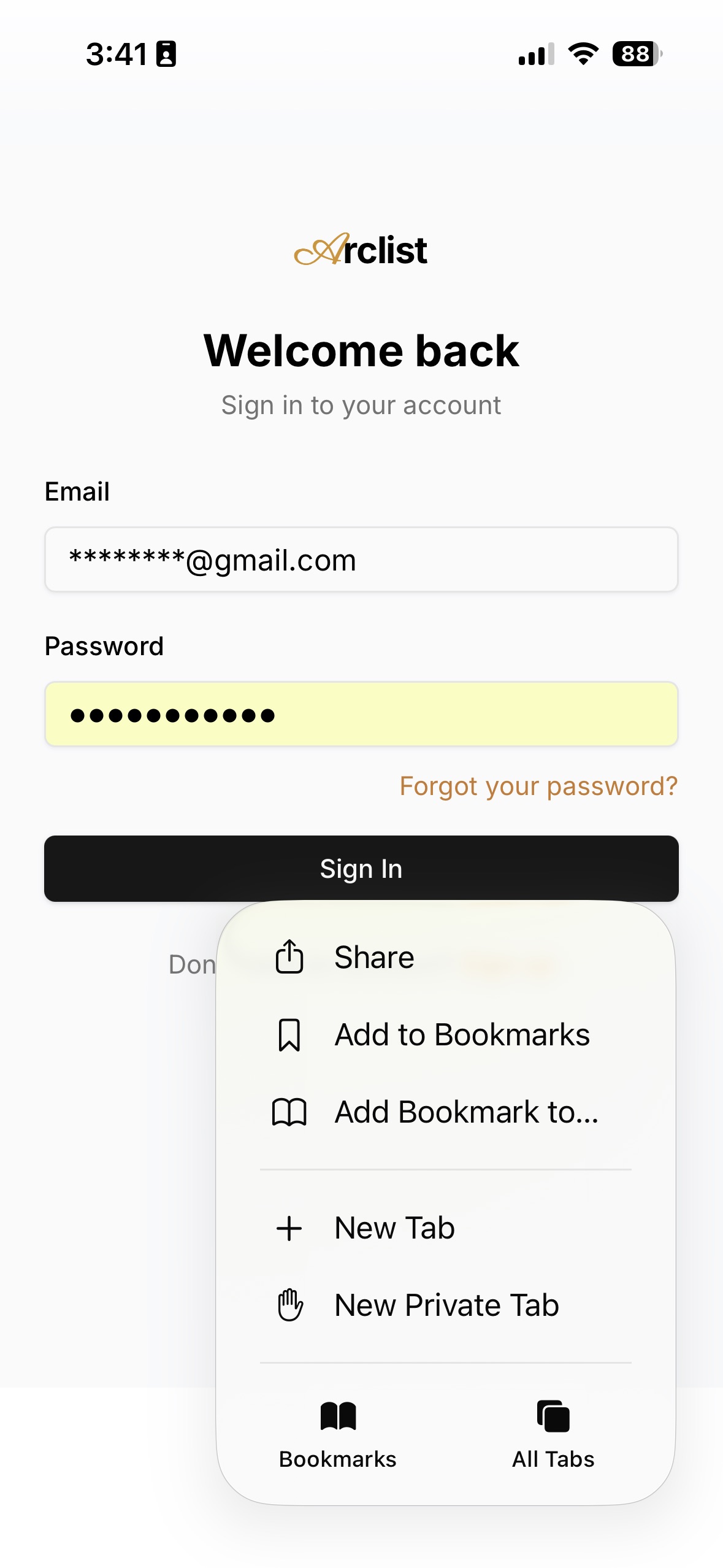
Install Arclist on your device
Arclist is a web app — no App Store needed. Add it to your Home Screen and use it like a native app, anytime, offline-ready.
1. Open Arclist in Safari
Go to arclistcard.com in Safari. (Other browsers on iOS won't show 'Add to Home Screen'.)
2. Tap the "..." (more) menu
Tap the three-dots button in the Safari toolbar to open the menu.
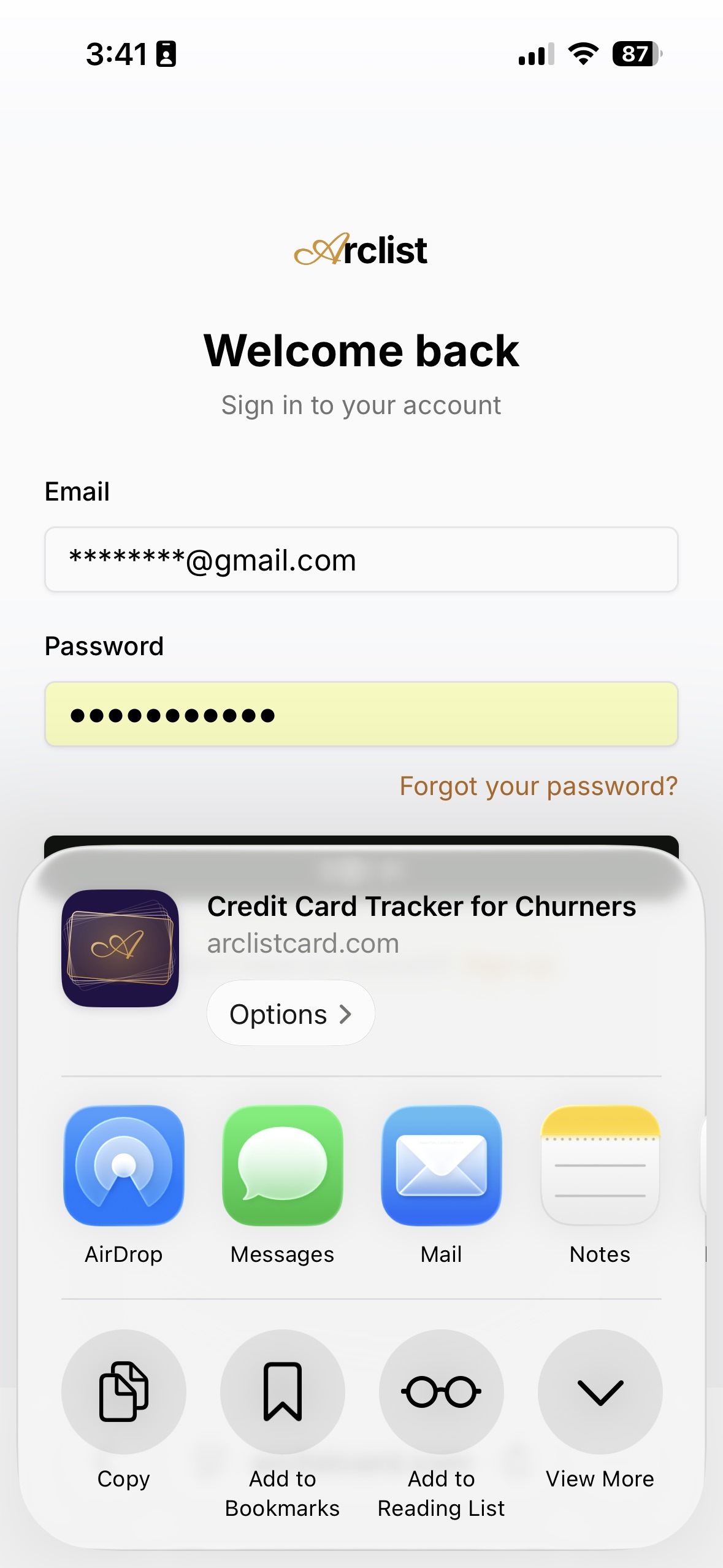
3. Tap "Share"
The iOS Share sheet opens.
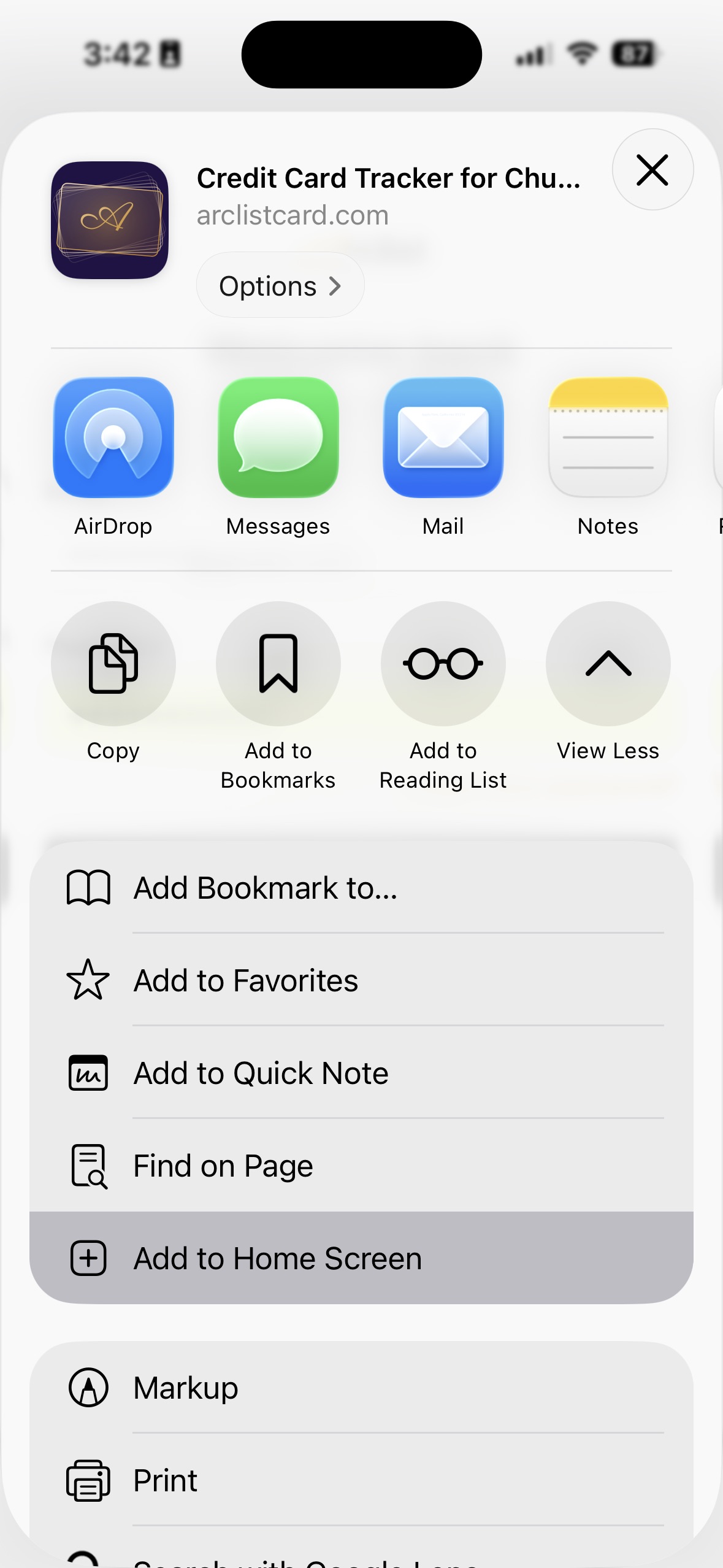
4. Tap "View More" → "Add to Home Screen"
Scroll down or expand to reveal more options, then choose Add to Home Screen.
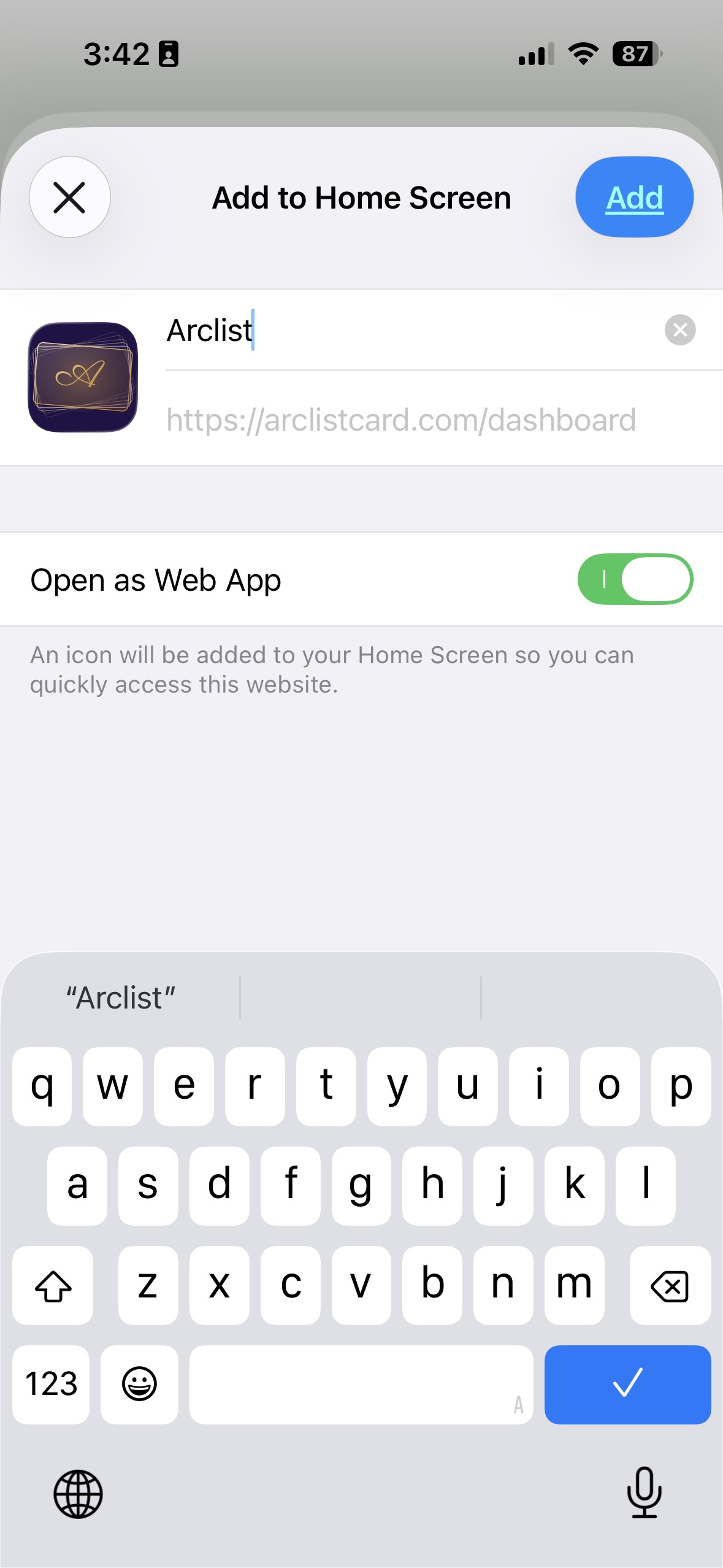
5. Confirm the name → tap "Add"
Keep "Arclist" or rename. Leave "Open as Web App" ON for the full app feel.
6. Done!
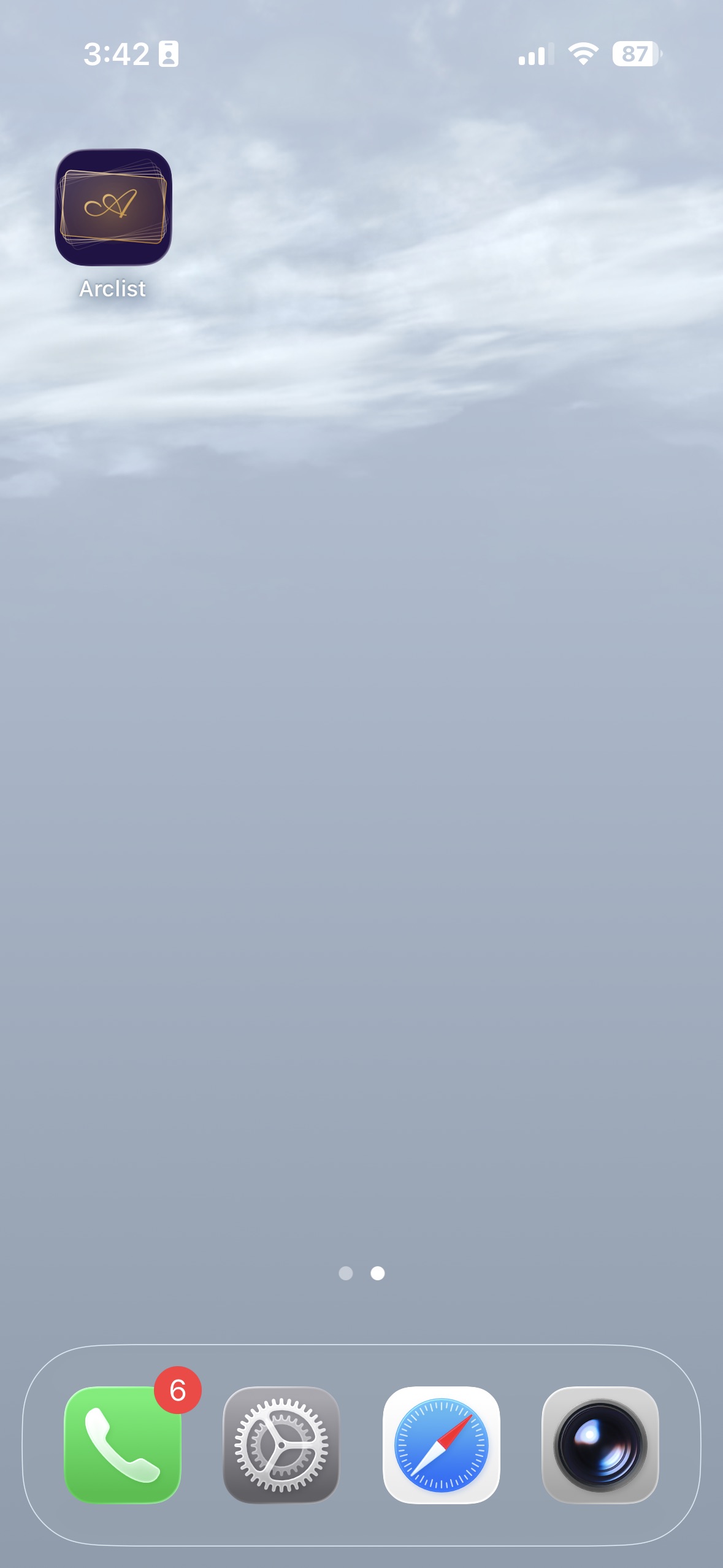
Arclist is now on your Home Screen. Tap it like any native app — no App Store needed.